Terminal, shell and port forwarding
The terminal starts in the context of the open cluster, so kubectl and helm go straight to that cluster. Open shells in pods and nodes and forward ports.
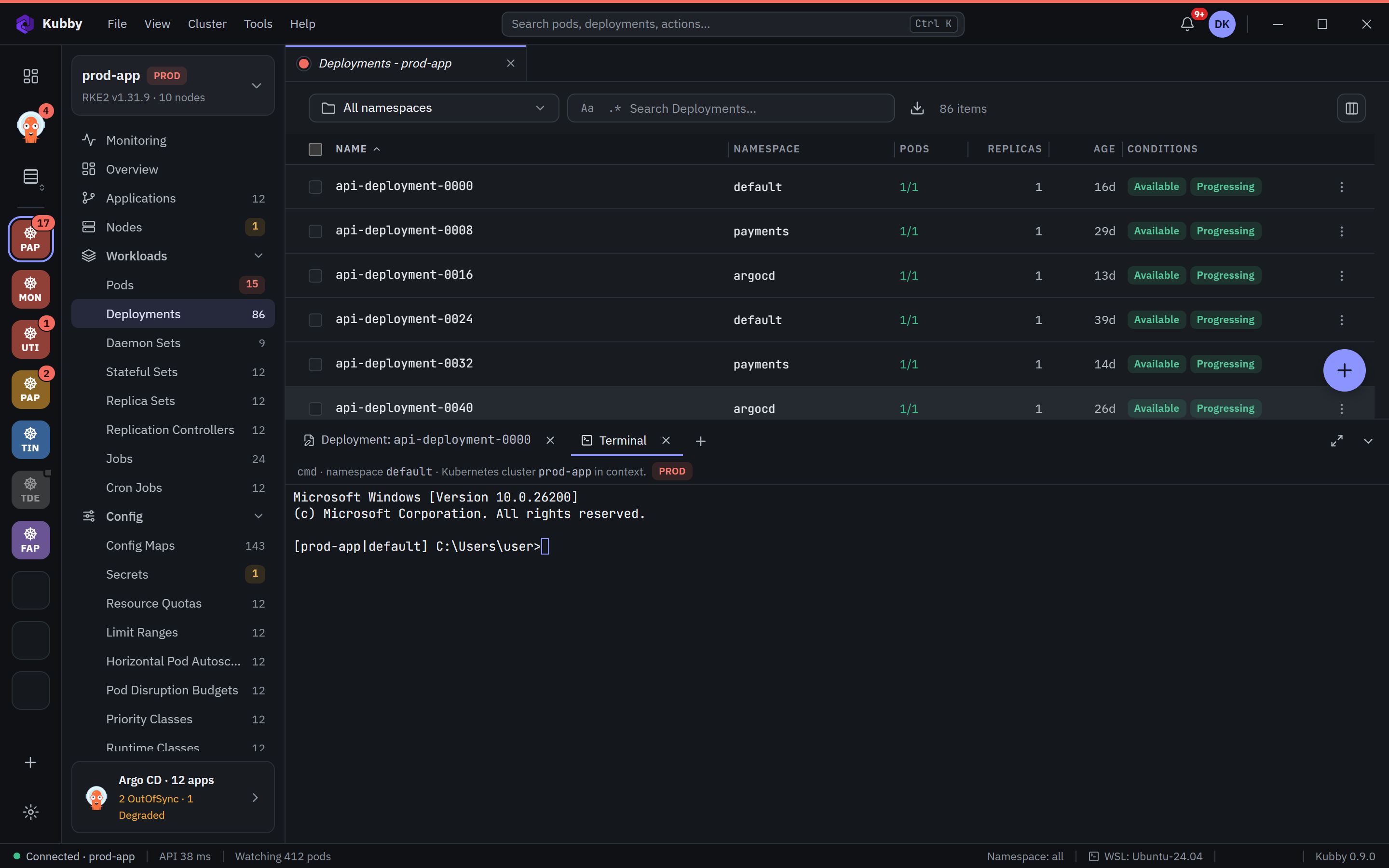
Cluster terminal
- Ctrl+` opens a new terminal in the bottom dock.
- Terminal profiles: PowerShell, Command Prompt (cmd) and your WSL distributions.
- The shell starts with the selected cluster's kubeconfig; the prompt shows the cluster and namespace.
- The kubectl and helm that ship with Kubby are on the PATH.
- Copy, paste, font and theme are set in Preferences → Terminal.
Pod shell
The Shell button on a pod page, or Ctrl+E in the command palette, opens a shell in the selected container.
Node shell
Open a shell on a node from its page. This runs a temporary, privileged pod on the node, which is removed when you close it.
Port forwarding
The Port forward button on a pod page forwards a pod port to a port on your computer. The forward runs as long as Kubby stays open.