Resource lists and details
Choose a resource kind in the navigator and Kubby opens its live list. Lists stay smooth even with thousands of rows.
Lists
- Problems first: problem resources stay on top under "Needs attention".
- Quick filters: for Pods: All, Needs attention, Restarted in 24h, Pending, Completed.
- Search: with match-case and regular-expression options.
- Sorting: click a column header.
- Columns: drag a header edge to resize, drag a header to move it, and add or remove columns with the columns button. Your choices are remembered.
- Bulk selection: act on several resources with the row checkboxes.
- Export: save the list as CSV.
Resource page
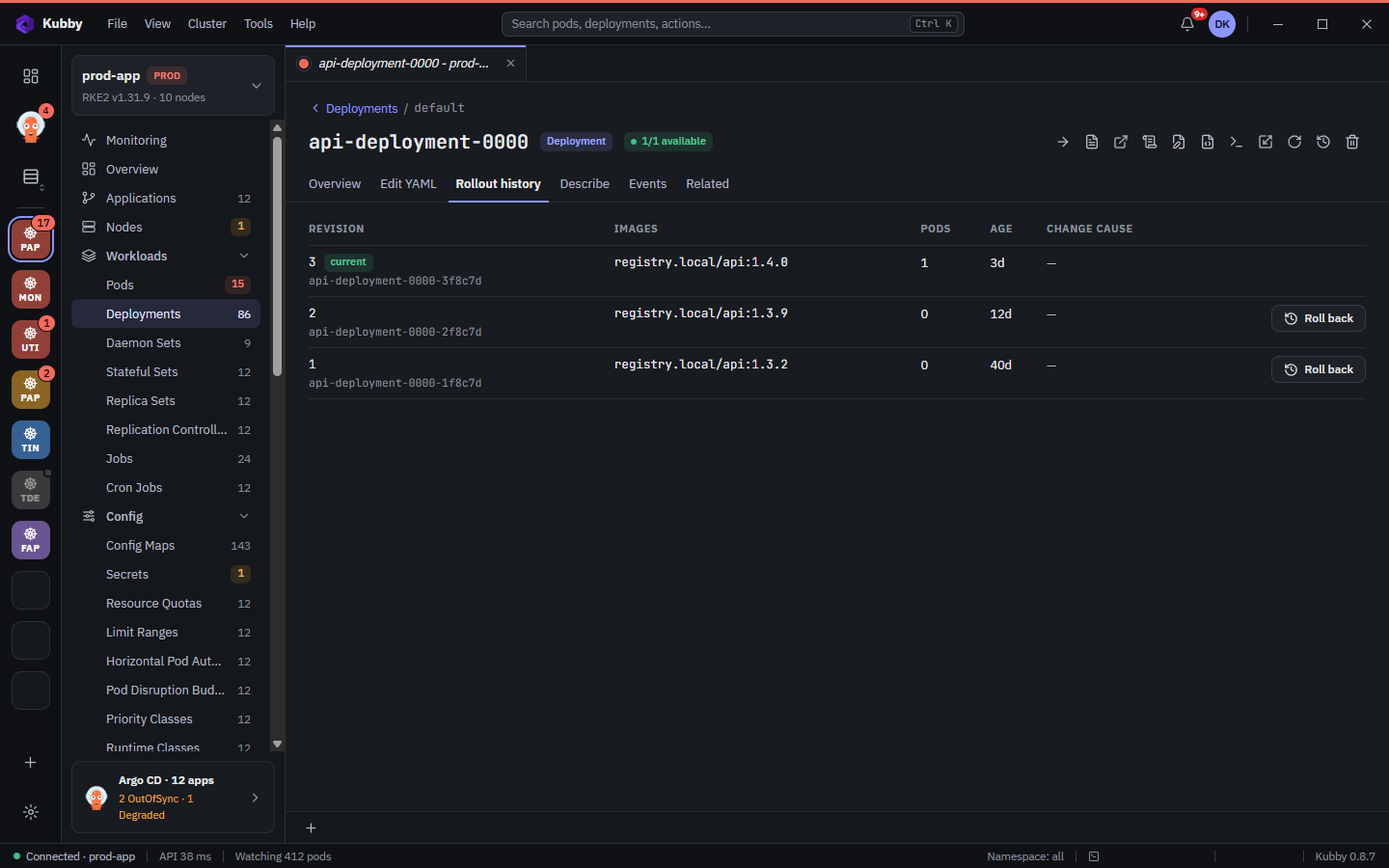
A resource page has tabs: Overview (properties, conditions, metrics), Edit YAML, Describe, Events, Related and, depending on the kind, Logs or Rollout history. The toolbar at the top right holds the actions for that resource.
Metrics
When the cluster has metrics-server, pod and node pages show CPU and memory charts for the last hour with request and limit lines.
Related resources
The Related tab lists the owner of a resource and what it depends on: Deployment → ReplicaSet → Pod, Service → Endpoints, Ingress → Service. Open an Ingress address in the browser with one click.
Custom resources (CRDs)
Custom Resources lists every CRD in the cluster by group; each is listed, viewed and edited like the built-in kinds.