Introduction to Kubby
Kubby is a desktop Kubernetes IDE for Windows. It manages your clusters from one window, shows problem resources first, explains why, and lets you make changes safely.
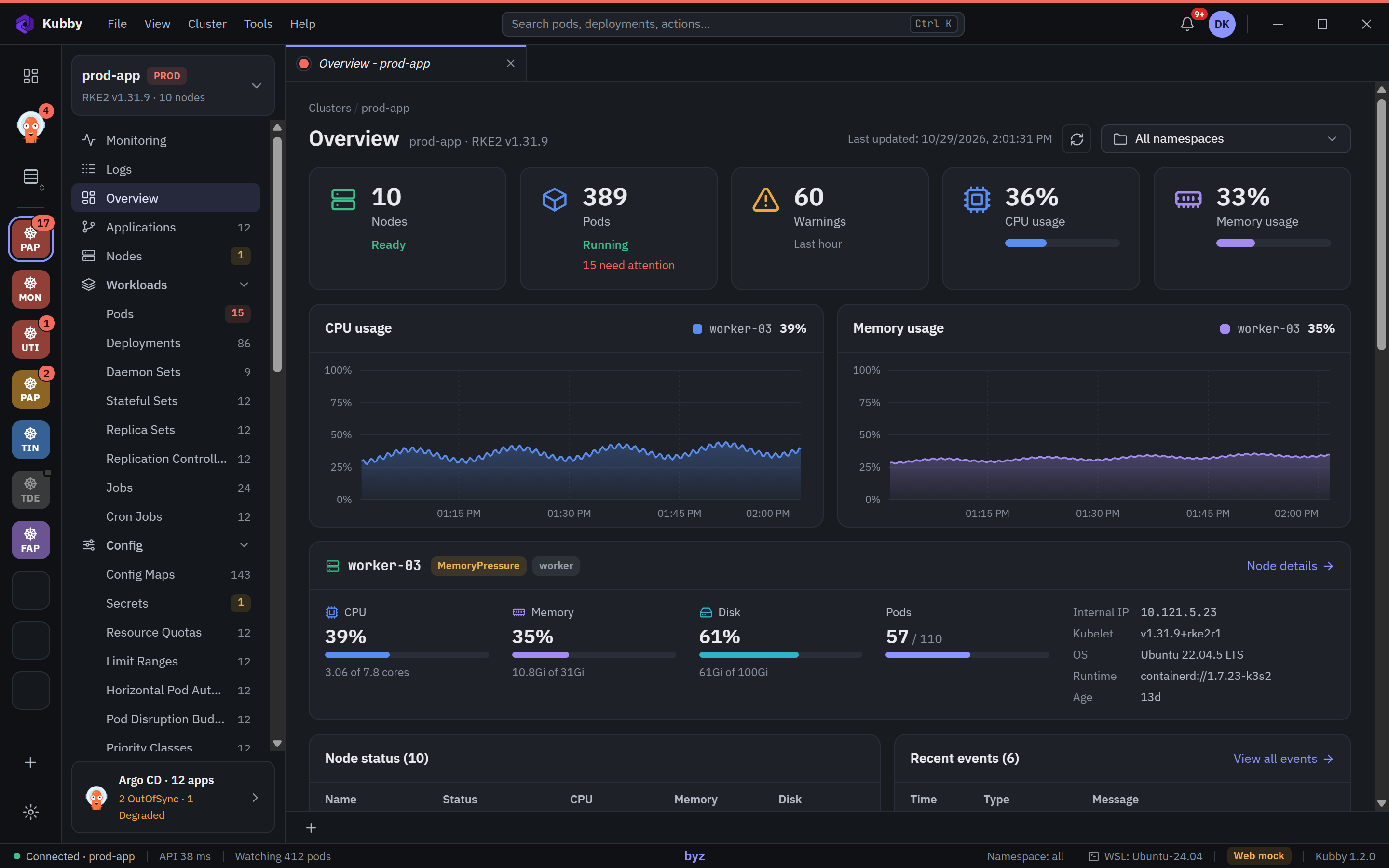
How Kubby works
Kubby is a local application on your computer. It connects to your clusters directly with the address and credentials in your kubeconfig files; nothing is required in the cluster and your cluster data is never sent to any server. Kubby can do exactly what the Kubernetes API allows your account to do.
Resource lists update live through the Kubernetes watch API. When a pod crashes or a node comes under pressure, the list changes on its own; there is nothing to refresh.
What you can do
See problemsProblems on top in Overview, Pods and Nodes.
Understand whyLogs, events, describe and "why" explanations.
Change safelyYAML editing, scaling, restarts and PROD protection.
MonitorPrometheus dashboards, capacity and certificates.
GitOpsArgo CD applications, tree, diff and sync.
HelmReleases, values, upgrade and rollback.
Quick start
- Install Kubby. Run the installer; no administrator rights needed. Installation
- Create your account. The first start sets up a Kubby account with two-step verification. Account and security
- Add a cluster. Paste your kubeconfig or import a folder. Adding clusters
- Look at Overview. Resources that need attention are at the top. Overview and problems
Free. Kubby is free for everyone, with every feature: Monitoring, Argo CD, the audit log, Ask Kubby and notifications included. There is nothing to activate. Download