Notes
Notes is a small notebook inside Kubby that you can open at any time: maintenance plans, commands, to-dos. Notes stay on your computer only.
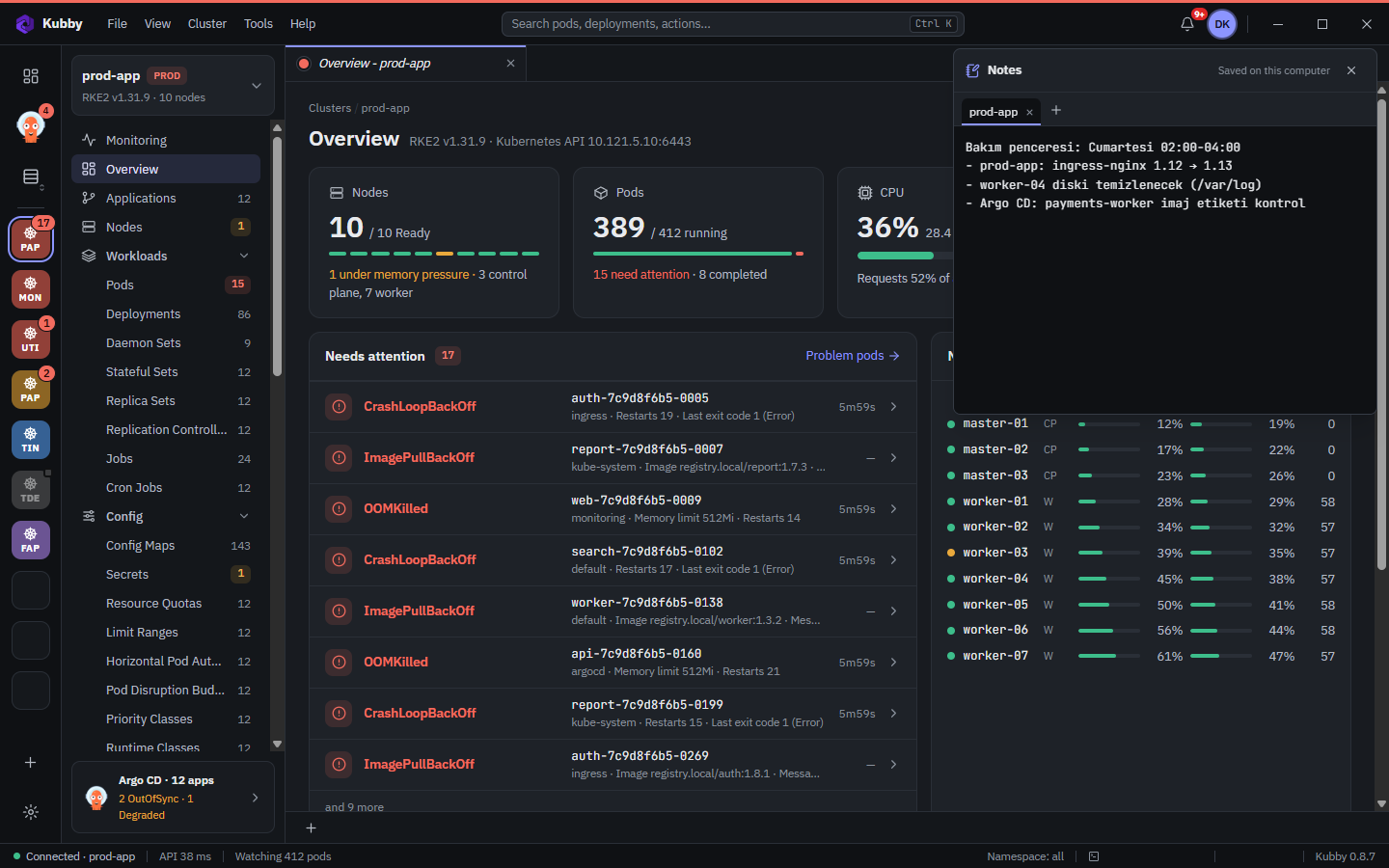
Opening notes
Click your profile icon at the top right and choose Notes. The panel opens below the top bar and closes with Esc.
Tabs
- Open a new note tab with +; each tab is a separate note.
- Double-click a tab to rename it (for example after a cluster or a project).
- Kubby asks for confirmation before closing a tab.
Saving
What you type is saved as you type; close and reopen Kubby and your notes are still there. Notes are kept in Kubby's data folder on your computer, never sent anywhere and never written to logs.